
Bayfield VINE Custody Coverage
Bayfield County runs its own VINE deployment. The county VINE System page describes a free telephone line, open around the clock, that checks whether someone sits in the Bayfield County Jail and signs callers up for automatic release or transfer notices. It points to VINELink and lists 1-888-944-8463, written also as 1-888-WI-4 VINE.
Coverage reaches anyone held in or passing through county-jail custody where Bayfield sends the record. It is not an arrest archive. Someone still in transport may not sync yet. A fast release can make the person hard to find later. Wisconsin DOC custody, federal prison, and ICE detention each belong to a different locator.
The official search tool is the VINELink search route.
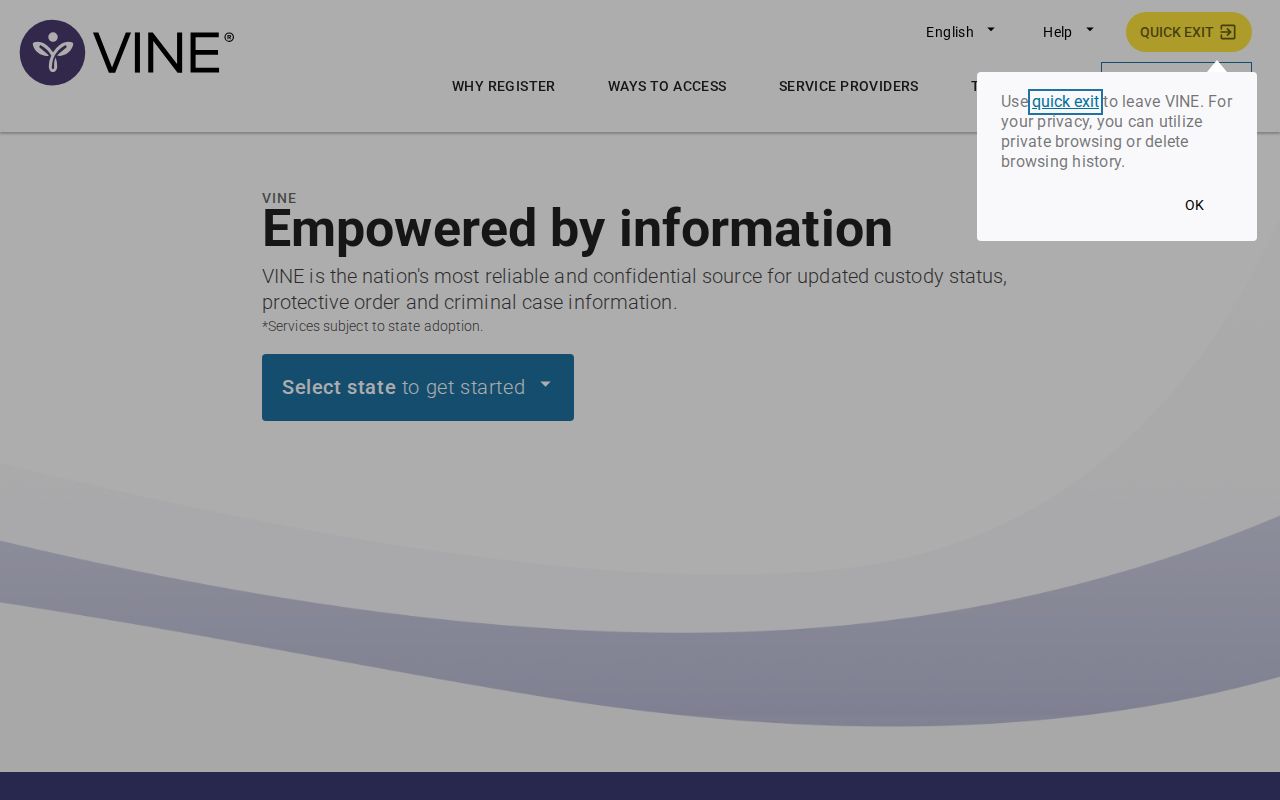
Labels on the live site can shift. Choose Wisconsin and Bayfield County Jail before trusting any match.
Check a Bayfield Arrest
Keep a name search tight but forgiving. Narrow it enough to cut false matches. Yet keep it loose enough to catch spelling variants and aliases. VINE may adjust its live fields over time. Let the person's known identity details steer the query. Never post a victim's contact information or a registration confirmation.
- Open VINELink or call 1-888-944-8463.
- Select Wisconsin and Bayfield County Jail when the interface presents a facility list.
- Enter the full name or other identifier accepted by the live form.
- Review all similar matches and compare the identifying details that are shown.
- Open the matching custody record and note the current status, facility, and update context.
- Call the Bayfield County Jail at 715-373-6117 when a fresh arrest does not appear or the result is unclear.
A VINE result confirms custody, nothing more. The booking sheet is a separate record. To request the arrest report, photo, or full record, use the agency path on the Bayfield County recent arrests hub. For the court outcome, search WCCA and get the Clerk's document.
VINELink Bayfield Result Fields
The county says VINE can return the fields below when available. Think of it as a custody tool, not a police report. Some entries change after release, transfer, or court action.
| Field | Meaning | Limit |
|---|---|---|
| Custody status | Current state received by VINE | May lag intake or release |
| Charges | Charges associated with custody | May differ from prosecutor filing |
| Bail | Bail information when available | Confirm current terms with court |
| Jail location | Facility reported by the service | Can change after transfer |
| Scheduled release | Date supplied to VINE | Not a guarantee |
| Transfer details | Where and when a move occurred | Use receiving system afterward |
Huber privileges and home detention on electronic monitoring sit outside what VINE can show, per the county page. Those gaps leave the result thin on movement and supervision conditions. Ask the proper agency when those details matter and are legally open to you.
VINE is an aid, not a guarantee of safety. The county says to act as though release already happened whenever safety is at stake.
Register Bayfield Custody Alerts
Once the right person turns up, follow the live registration flow for release and transfer notices. Wisconsin VINE offers phone and email options. Phone signup uses a four-digit PIN. The state says calls may keep coming for up to 48 hours, or until the right PIN is entered. Keep that PIN private, since it confirms the call.
- Open the matching custody record rather than registering from a general search page.
- Choose the available notification event, such as release or transfer.
- Select phone or email when offered and enter only your own contact information.
- Create the required four-digit PIN for phone notifications.
- Review the destination and submit the registration.
- Keep the confirmation and PIN private, then update the registration if contact information changes.
The VINELink registration route shows the alert stage after a result is selected.

No private notification details belong on a public page. This image shows the registration flow, not a real person's custody record.
Wisconsin VINE Language and Access
The statewide Wisconsin VINE county-jails page lists the core features: anonymous checking, custody status, phone or email alerts, and service in English, Spanish, and Hmong. Anonymous use still demands a careful match. Every registration needs somewhere for the alert to land.
Names differ by level. The local brand is "VINE System," the state calls it Wisconsin VINE, and the public tool is VINELink. Bayfield lists no separate SAVIN interface and no county booking app. Steer clear of generic apps the county never linked. The county page and the Wisconsin DOC page carry the official instructions.
- VINE
- The notification network used for participating custody information.
- VINELink
- The public web interface for searches and registrations.
- Transfer
- A move from one custody location or system to another.
- PIN
- The private code used to acknowledge phone notifications.
Fresh Bayfield Booking Delays
A new arrest moves through several hands. The arresting agency logs it, transport follows, jail intake starts, and a custody system passes the data along. Bayfield County promises no fixed VINE sync window. A missing result right after an arrest may just mean timing. It could also point to a different facility, a release, protected status, or an identity mismatch.
When the answer cannot wait, call the jail. The Bayfield County 24 Hour Arrests page walks through that same-day fallback without pretending a live feed exists. Have the full name ready, plus the time, place, and booking number if known. If the goal is the arrest event rather than current custody, ask the arresting agency or the jail for the record.
An absent result proves nothing.
VINELink Limits by Custody
VINE is not the Wisconsin DOC offender locator. After sentencing and reception by DOC, the state locator becomes the right custody search. DOC NOTIS is a separate service for enrolled victims, survivors, and witnesses, covering DOC custody, supervision, registry status, and certain civil commitments. It does not replace county VINE.
| Custody state | Correct source |
|---|---|
| Bayfield County Jail | Bayfield VINE, VINELink, or jail |
| Wisconsin prison or DOC supervision | WI DOC offender search; NOTIS where eligible |
| Federal prison | BOP inmate locator |
| Immigration detention | ICE Online Detainee Locator |
| Court case and disposition | WCCA and Bayfield Clerk of Court |
The U.S. Marshals Service posts a Wisconsin district contact page. No comparable public nationwide locator exists. A federal detainee's path turns on the court, district, or holding facility, so never present a federal system as a Bayfield roster.
Verify Bayfield VINE Notices
Treat any VINE notice as a starting point. Verify before you act on it. For a Bayfield County custody question, call the jail at 715-373-6117. Dial 911 if safety is at stake. The Sheriff tip line is not the place to seek a routine custody check. It exists to take information for law enforcement rather than serve as an arrest roster.
Charges need their own follow-up. Wisconsin DOJ cautions that the statute listed at arrest can differ from what the district attorney files. So check WCCA, then request the file from the Clerk of Court. That office sits at 117 E Fifth St in Washburn, phone 715-373-6108. One more thing worth knowing: a release notice from VINE tells you about custody only. It says nothing about how the court case ended.
VINE notices for Bayfield County report custody status only, so confirm details through the jail.
Search Public Records
Sponsored Results